How to use the Map of Intermedia
Access: The Map of Intermedia
Create an account

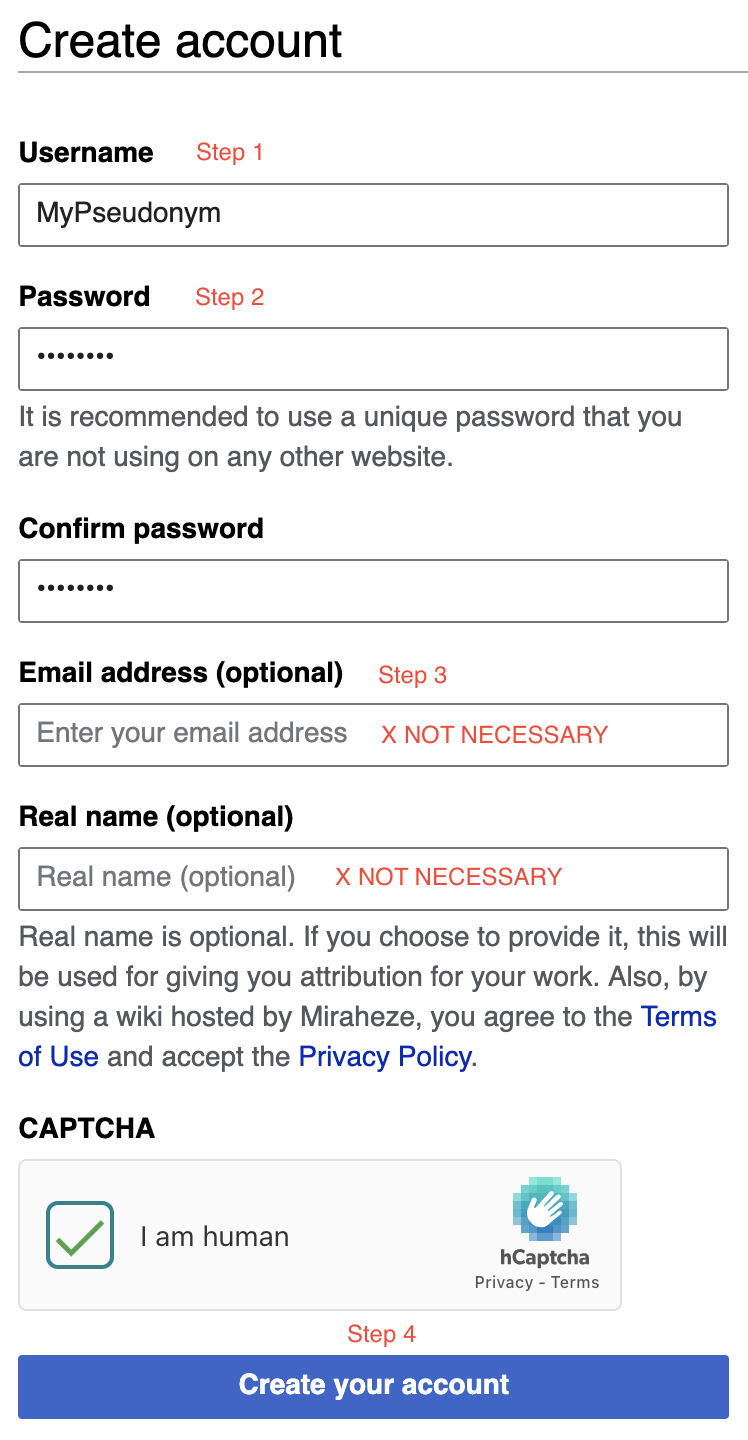
Go to this page: Create your account
- Enter a username. Use a pseudonym of your choice. Add the pseudonym to the Assigned Reading Groups sheet.
- Enter a password. Suggested: IMCA220!
- You do not need to add your email address or real name.
- Proceed to create your account.
Log in
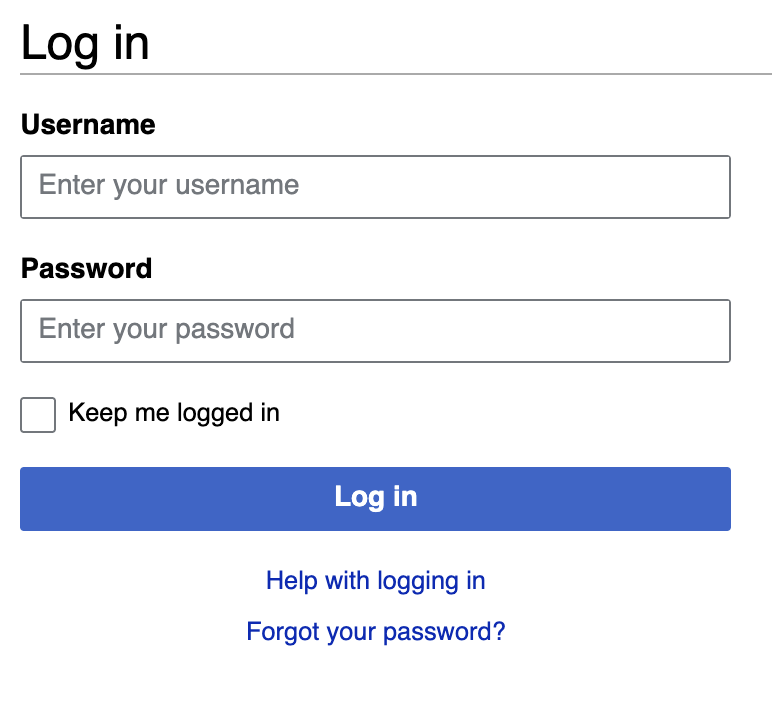
Go to this page: Log in
Use the same username and password as when you created your account.
Create a glossary item
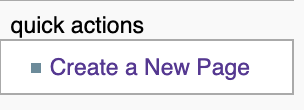
- Navigate to the sidebar, and click
Create a New Pageor go directly to: Create a New Page.
- Name the title of your new Glossary Item Page and click
Create a New Glossary Item

- Complete the new page entry following the provided template and contribution criteria described in Glossary Item Requirements. See the [Sample Glossary Item (Intermedia)]( Sample Glossary Item (Intermedia)) as an example.
- When you are done, click
Save page.
Create a new topic page
- Navigate to the sidebar, and click
Create a New Pageor go directly to: Create a New Page.
- Name the title of your new Topic Page and click
Create a New Topic Page.

- Complete the new Topic Page entry following the template and contribution criteria described in Topic Page Requirements. See the Sample Topic Page (Dick Higgins) as an example.
- When you are done, click
Save page.
Edit an existing page
You may wish to make additions to existing pages, or pages you previously created. To do so:
- Select
EditorEdit Sourcefound in the tabs at the top of the page. Edit will take you to the visual editor, and edit source will take you the source editor (2 ways of editing pages). See #MediaWiki Documentation for additional resources on editing and page creation.

MediaWiki Documentation
- MediaWiki Help
- Starting a new page
- How to edit pages
- Editing FAQs
- Formatting how to
- Different types of links